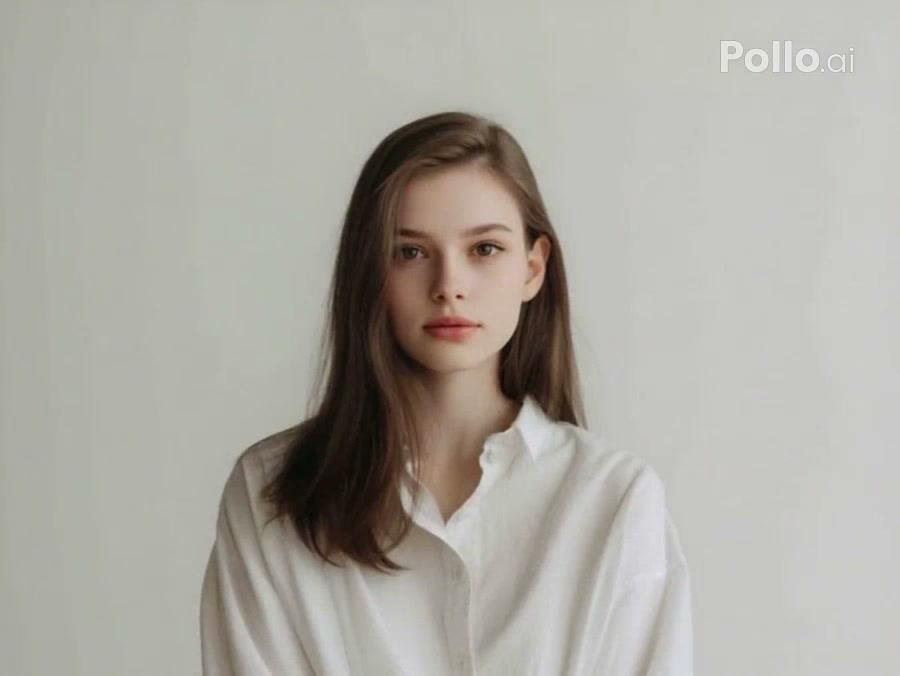
Metal coverage
Green Chrome
Cover the subject in a glossy emerald metallic surface.
The AI Liquid Metal Video Generator coats a person or pet in flowing reflective metal while preserving the original pose, contours, and background.
Examples show reviewed results. Your output varies with the uploaded image, prompt, model, and settings.
Choose a silver, gold, rose-gold, green, or purple metallic finish. Each style fills its material prompt and leaves the rest of the generator controls available.
Cover the subject in a glossy emerald metallic surface.

Transform the subject with a warm polished gold coating.

Apply a mirrorlike rose-gold coating in one smooth wave.

Use reflective violet metal for a bold futuristic finish.

Create a classic polished silver liquid-metal transformation.
The effect follows the subject surface already present in the image. Even light and a clean silhouette help the coating stay attached to the face, clothing, fur, and body instead of spilling into the scene.
Pick one of five reviewed chrome colors to load its liquid coverage prompt.
Use even lighting and visible contours so the reflective surface can follow the face, body, or pet naturally.
Adjust color, flow direction, reflectivity, or settings, then create the liquid metal clip.
The selected preset controls metal color and flow language. You can rewrite the finish, coverage direction, reflectivity, or surface behavior while retaining normal compatible settings.
Start with a focused variation, then edit any detail before generating.
Use a neutral mirror finish with strong environmental reflections.
Flow neutral silver liquid metal over the uploaded subject until the surface becomes mirror chrome. Preserve identity, pose, clothing shape, and background while reflections move coherently across the finished coating.
Use warmer fluid motion before a polished gold finish.
Pour warm molten gold across the uploaded subject with slow realistic viscosity. Follow facial and body contours, preserve the original scene, and let the surface cool into a smooth polished gold shell.
Blend blue and magenta reflections across the final metal.
Cover the uploaded subject in liquid chrome, then add coherent blue and magenta reflections across the metallic surface. Preserve anatomy and identity, keep the background stable, and avoid paint-like drips or a character replacement.
It animates a reflective metallic coating flowing over the uploaded subject and settling into a chrome-like finish.
The reviewed presets include silver, gold, rose gold, green, and purple. You can type another color or finish in the editable prompt.
Yes. A pet with clear contours and even lighting can work because the coating follows the visible face, fur shape, and body outline.
No. A preset fills only its prompt. Compatible model, duration, ratio, resolution, and audio options remain editable.
No. This effect keeps the subject shape and adds a flowing metallic surface. It does not assemble mechanical limbs or replace the subject with a robot.
The prompt asks for coherent environmental reflections, but generated highlights and fine background details may vary.
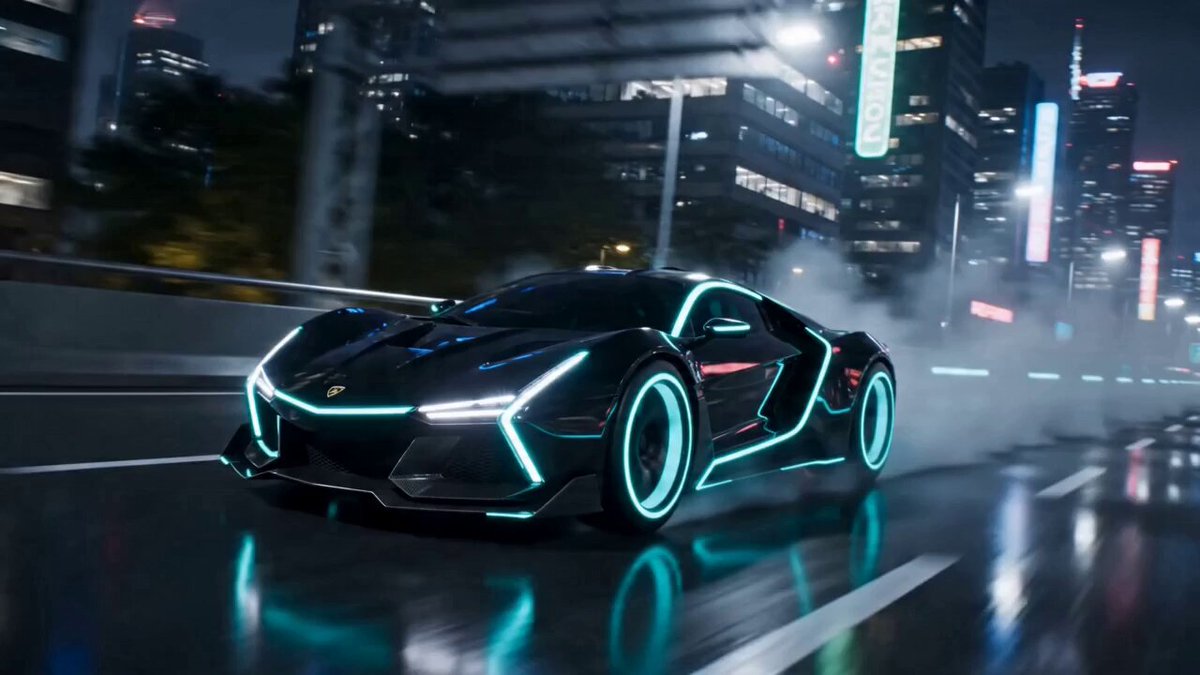 AI TransformationTry a broader material or character change.
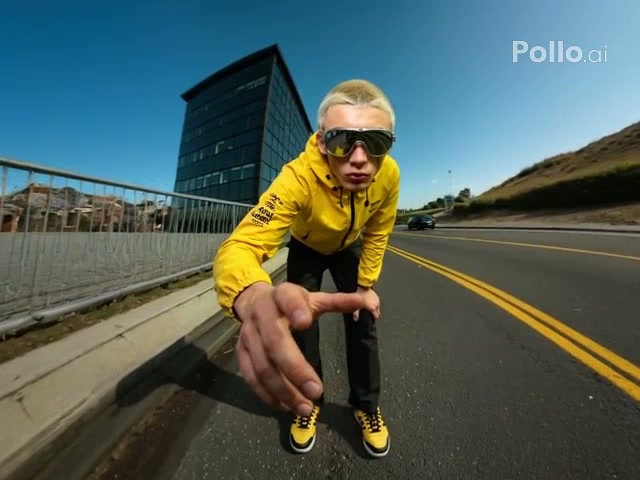 Ice SculptureReplace metal with a crystalline frozen surface.
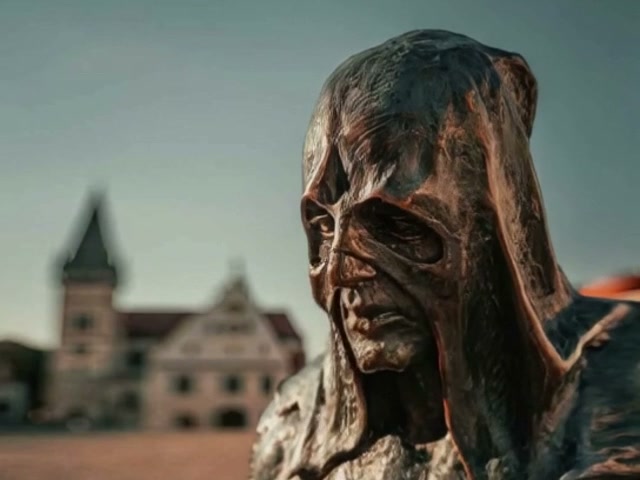 AI MeltTurn a subject into flowing soft material.
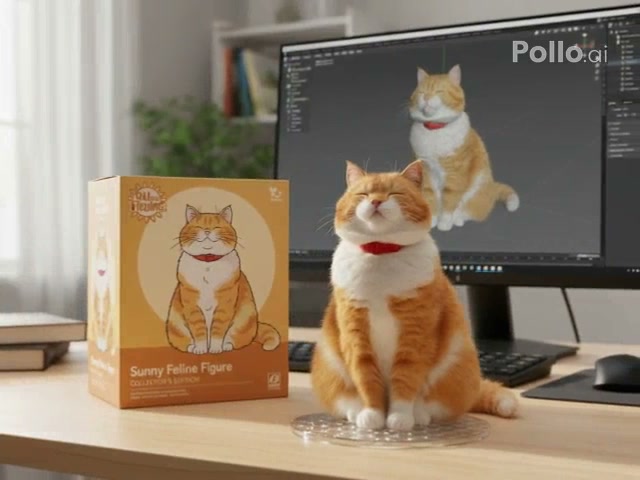 Action FigureRebuild the subject as a collectible figure.
 Image to VideoAnimate an image with a custom prompt.
 Video to VideoRestyle an existing motion clip.
Choose a reviewed preset, add your image, adjust the prompt, and generate the effect in OpusVideo.
Generate video