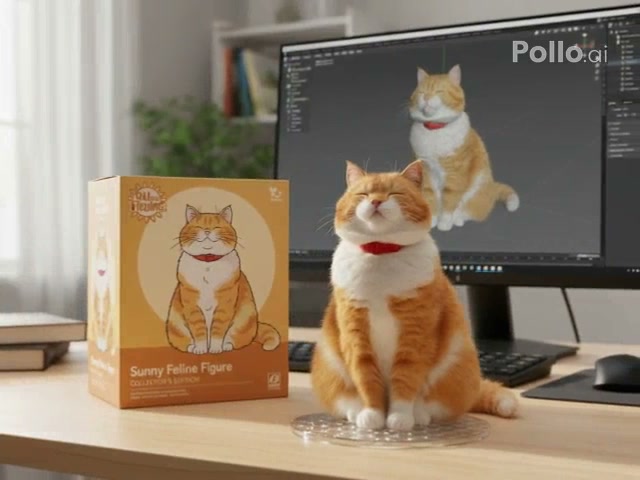
Figure reveal
Action Figure Orbit
Reveal a boxed collectible figure with a smooth camera orbit.
The AI Action Figure Video Generator turns a person, pet, or object photo into a collectible figure reveal with packaging, a display base, and cinematic movement.
Examples show reviewed results. Your output varies with the uploaded image, prompt, model, and settings.
Choose how the finished collectible is presented. Each preset fills the prompt while your model, duration, ratio, resolution, and audio choices remain editable.
Reveal a boxed collectible figure with a smooth camera orbit.
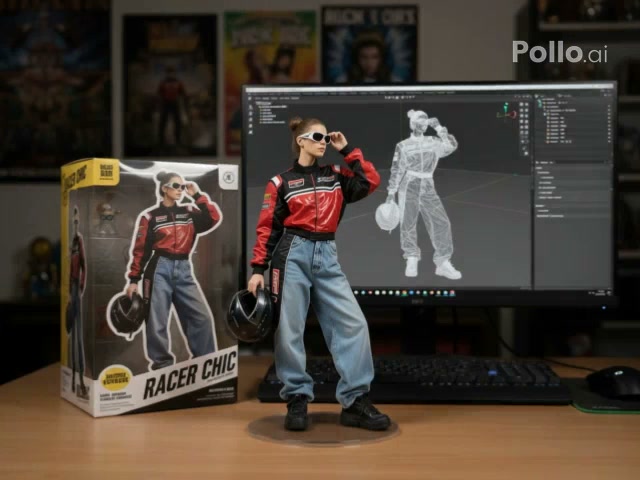
Let a hand lift the finished figure from its desktop display.
The generator uses the uploaded image as the subject reference. A clean outline and visible defining details help the collectible remain recognizable after the material and scale change.
Start with the orbit reveal or the picked-up collectible. The selected style fills a reviewed action figure prompt.
Use a clear photo with one recognizable subject and enough detail for the face, colors, markings, or object design.
Edit the prompt or generation settings, then create and download your action figure video.
The preset supplies the figure action and display language. You can still rewrite the prompt and choose compatible generation settings before creating the clip.
Start with a focused variation, then edit any detail before generating.
Add a premium collector box, molded tray, and subtle studio reflections.
Turn the uploaded subject into a premium boxed action figure. Preserve identity and colors, reveal the matching collector packaging and molded display tray, then make a slow polished camera move across the product.
Place the finished figure in a bright retail shelf scene.
Transform the uploaded subject into a detailed collectible figure displayed on a bright toy-store shelf. Keep the face and design recognizable, show matching packaging, and use a gentle commercial product reveal.
Create a small desktop figure beside everyday objects.
Rebuild the uploaded subject as a miniature desktop action figure beside a keyboard and notebook. Preserve all defining features, keep the scale consistent, and use shallow depth of field for a realistic desk reveal.
It turns an uploaded subject into a short collectible figure scene with a display base, matching packaging, and a presentation movement.
Yes. A pet or object with a clean outline can work because the preset preserves visible colors, markings, and design features.
Orbit moves the camera around the completed display. Picked Up keeps the desktop composition and has a hand lift the figure from its base.
No. A preset fills only the prompt. The model, duration, ratio, resolution, audio, and other available controls remain editable.
The prompt asks for matching collectible packaging, but text, small graphics, and exact box design may vary between generations.
No. The movement is generated from the image and prompt. It does not reproduce a source performance or guarantee exact hand-object contact.
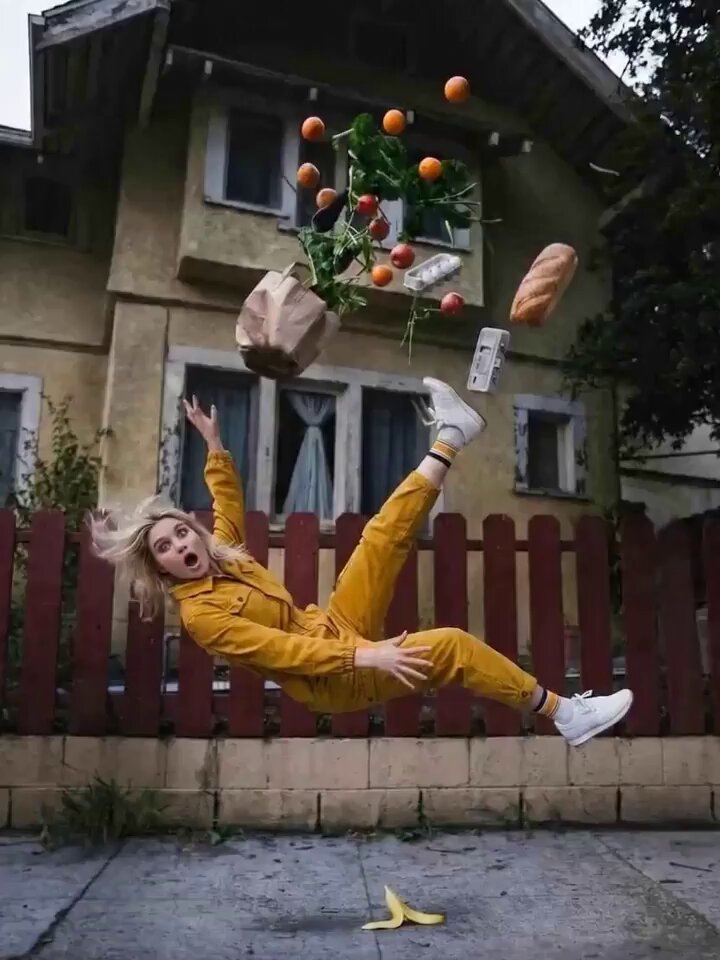 Camera OrbitCreate a smooth orbit around another subject or scene.
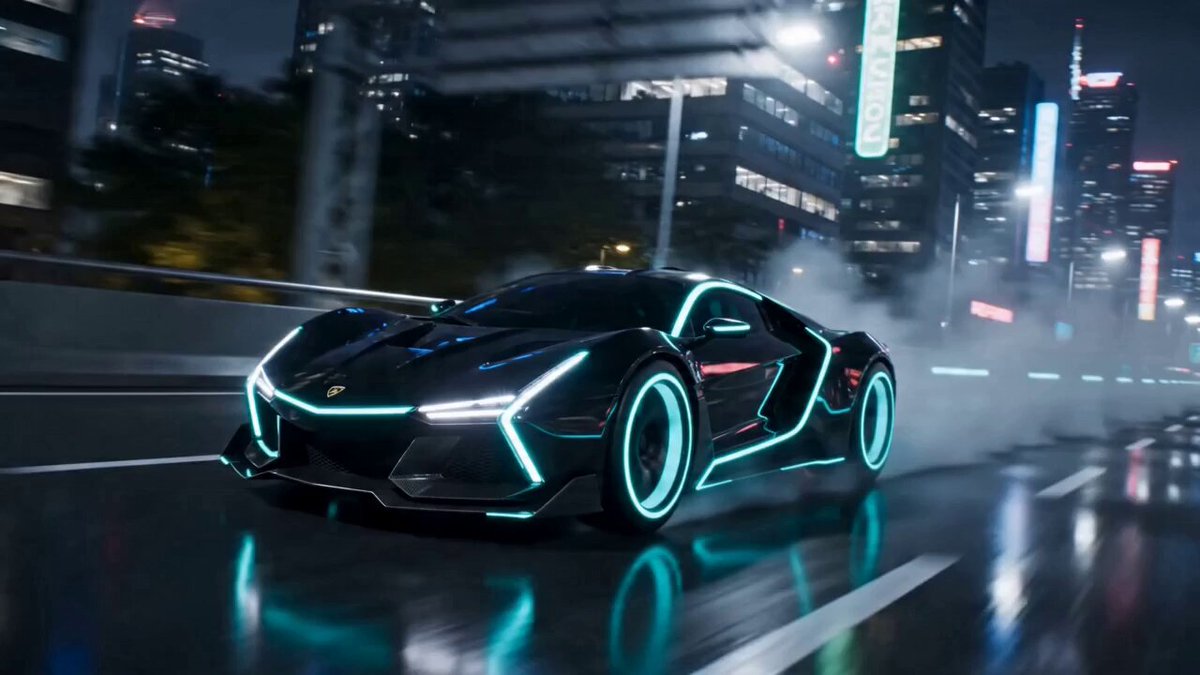 AI TransformationTry a broader character or material transformation.
 Liquid MetalCover a subject in a flowing reflective metal surface.
 Image to VideoAnimate an image with your own motion prompt.
 AI Animation GeneratorExplore character and illustration animation workflows.
 Video to VideoRestyle an existing clip while keeping its motion.
Choose a reviewed preset, add your image, adjust the prompt, and generate the effect in OpusVideo.
Generate video