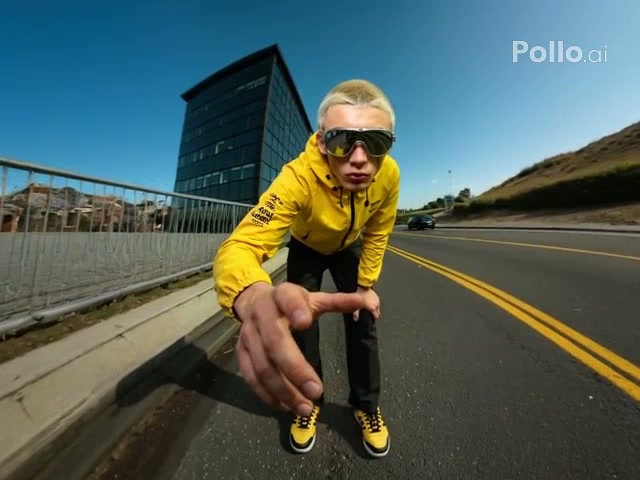
Ice transformation
Reaching Ice Sculpture
Freeze the subject into translucent ice during a dramatic reaching pose.
The AI Ice Sculpture Video Generator freezes a person into a translucent crystalline statue while preserving the starting pose, clothing silhouette, and scene.
Examples show reviewed results. Your output varies with the uploaded image, prompt, model, and settings.
Choose a dramatic reaching freeze or a complete standing ice statue. The style fills the material and motion prompt while leaving generator settings editable.
Freeze the subject into translucent ice during a dramatic reaching pose.
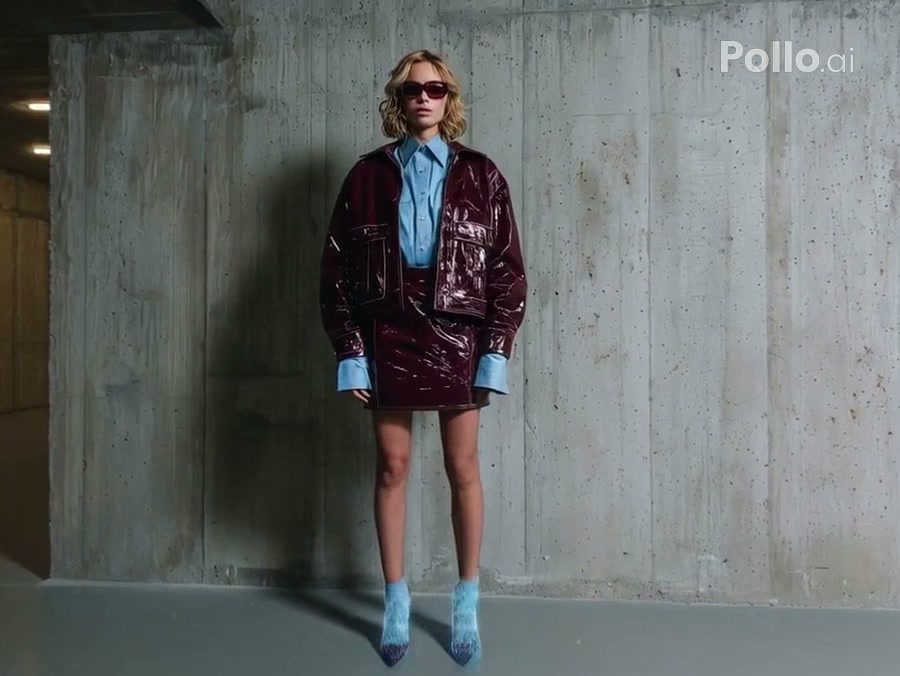
Convert the entire standing subject into a detailed frozen statue.
The transformation follows the person already visible in the image. Good lighting and a clean outline help the final sculpture preserve facial structure, clothing detail, and pose.
Select the reaching freeze or full-body statue style to load its reviewed prompt.
Use a visible face, readable pose, and enough body outline for the frozen form to follow.
Adjust the frost direction, ice appearance, or generation settings, then create the clip.
The prompt controls where frost begins, how the ice spreads, and the final material finish. Compatible model and output settings remain available in the generator.
Start with a focused variation, then edit any detail before generating.
Use transparent ice with trapped bubbles and sharp highlights.
Freeze the uploaded person into a crystal-clear ice sculpture with small trapped bubbles, translucent edges, and sharp cold highlights. Preserve the exact face, pose, clothing silhouette, and background in one continuous transformation.
Create cloudy ice with a snowy exterior texture.
Spread white frost across the uploaded person until the full body becomes a cloudy frosted ice statue. Keep the pose and identity recognizable, preserve the surrounding scene, and hold the completed statue at the end.
Freeze first, then add a subtle surface thaw.
Transform the uploaded person into a solid translucent ice sculpture, hold the frozen pose, then let only the outer surface begin a subtle thaw with small droplets. Keep anatomy, identity, and background stable.
It turns a person in an uploaded image into a short crystalline freezing transformation and holds the resulting ice statue.
Use a well-lit person with a visible face and readable body outline. A simple background helps the ice silhouette stand out.
Yes. Edit the prompt to request clear, frosted, blue, white, cracked, or glowing ice while keeping the transformation constraints.
No. The selected ice style fills only its prompt. Compatible model, duration, ratio, resolution, and audio controls remain editable.
The prompt asks the model to follow the source pose, but small changes in hands, clothing folds, or facial detail can occur.
No. The intended effect freezes the person while keeping the original environment stable. You can change that behavior by editing the prompt.
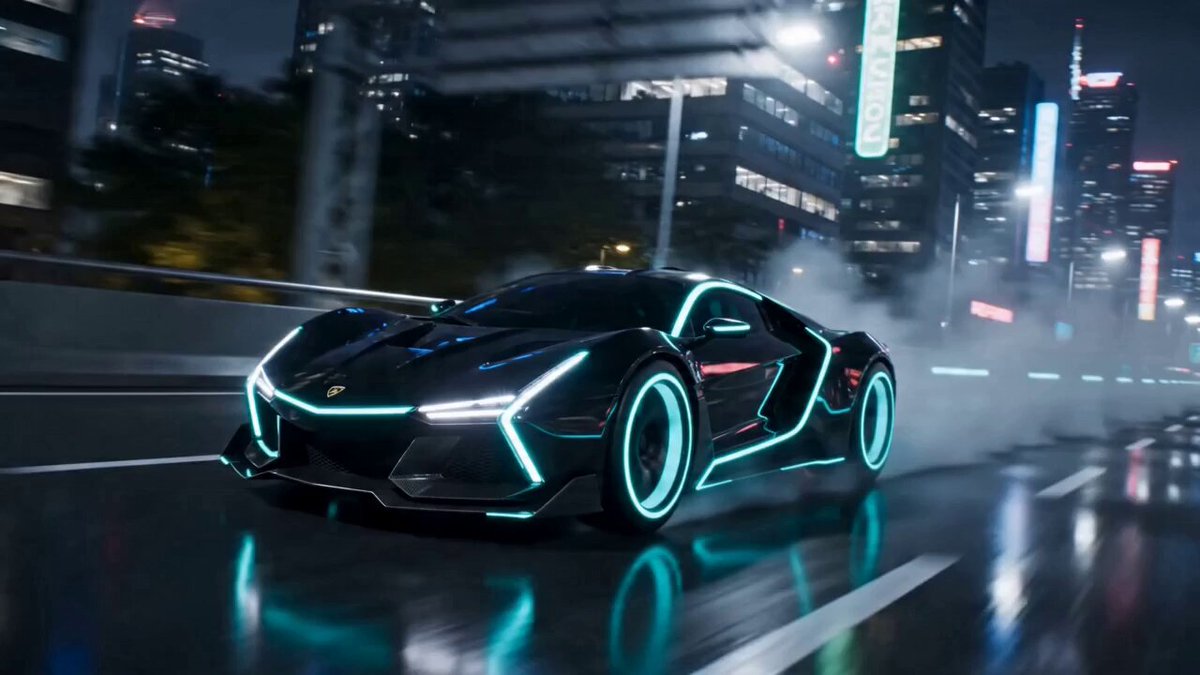 AI TransformationTry another character or material change.
 Liquid MetalReplace ice with a flowing reflective coating.
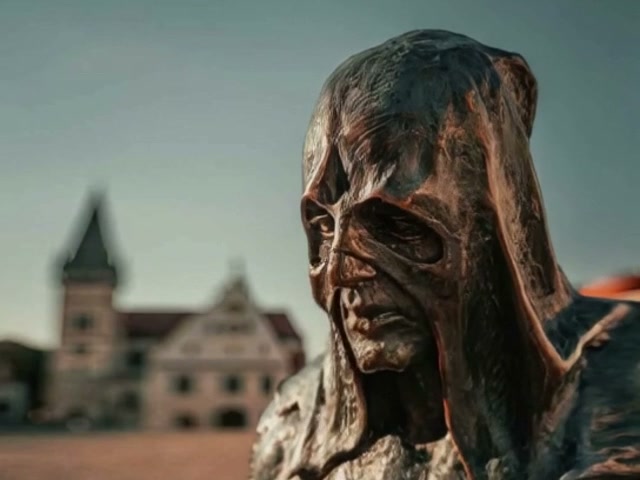 AI MeltTurn a solid subject into flowing material.
 AI FlyingAnimate a person rising into the air.
 Image to VideoCreate custom motion from a still image.
 Video to VideoApply a new look to existing motion.
Choose a reviewed preset, add your image, adjust the prompt, and generate the effect in OpusVideo.
Generate video