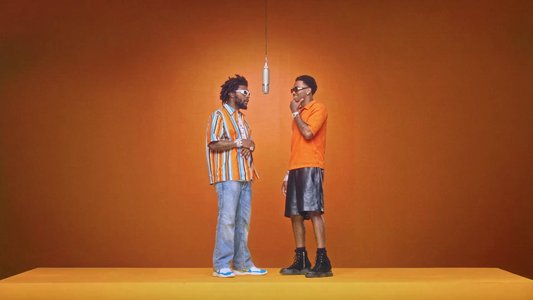
Duo performance
Hotel Lobby Duo
Two friends trade verses around one hanging microphone.
The Migos AI Video Generator turns two reference photos into an original Hotel Lobby-style rap exchange with an orange booth, one hanging microphone, and two recognizable performers.
Examples are reviewed outputs from the effect. Your result varies with the references, prompt, model, and settings.
Choose a friends, pop, emcee, pet, or human-and-pet pairing. Every preset fills a focused Hotel Lobby AI prompt while keeping compatible generator settings editable.
Two friends trade verses around one hanging microphone.
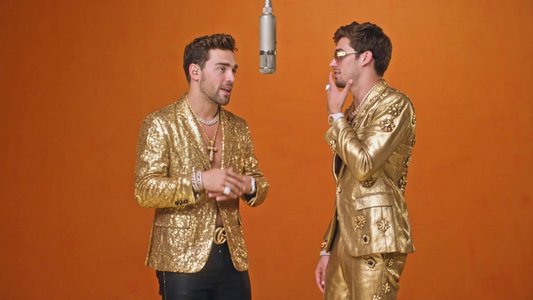
Give the booth a polished pop-rap performance energy.
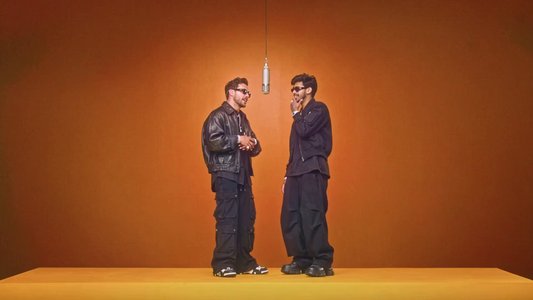
Create a relaxed two-emcee exchange with streetwear styling.
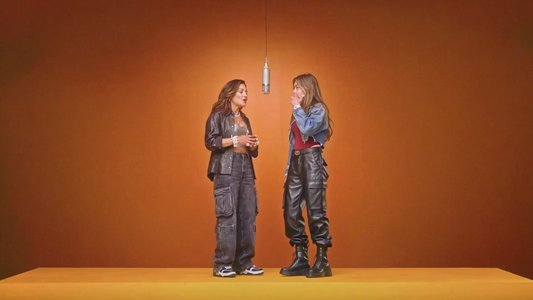
Turn two women into confident orange-booth performers.
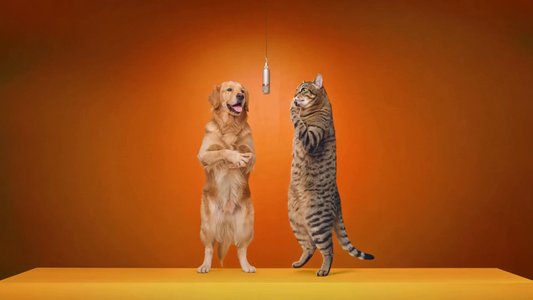
Cast two pets as a playful back-and-forth rap pair.
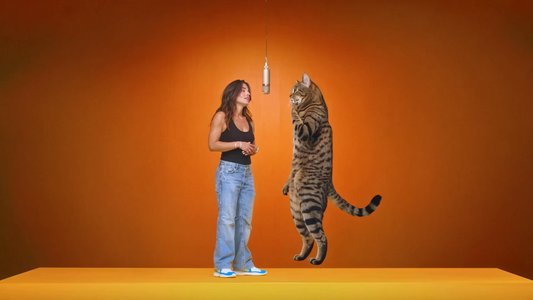
Pair a person and pet for an unexpected booth performance.
The effect has to preserve two identities at the same time. Separate, well-lit photos with visible faces, clothing, and body proportions help the model keep each subject on the correct side of the microphone.
Start with the classic Hotel Lobby duo or choose a pop, emcee, pet, or mixed pairing.
Upload one clear photo for each performer. Add the left subject first and the right subject second so the prompt can keep both roles stable.
Adjust the booth, gestures, pacing, or audio direction, then generate and check both identities through the full clip.
The preset supplies the booth, microphone, role order, and performance language. You can rewrite the cast, gestures, camera behavior, scene, or sound direction and use any compatible reference materials supported by the selected model.
Use these focused variations as a starting point, then edit the cast and motion before generating.
Keep the recognizable orange booth in one steady two-person shot.
Use the uploaded references as two distinct performers. Keep reference one on the left and reference two on the right in a seamless orange booth with one microphone hanging between them. They alternate short rap verses and natural reactions in one steady centered shot. Preserve both identities, outfits, proportions, and positions with no cuts, zooms, face blending, mirrored gestures, text, logos, or watermarks.
Turn two pets into a playful back-and-forth performance.
Use the two pet references as separate performers in a clean orange recording booth. Keep pet one on the left and pet two on the right beside one hanging microphone. They take turns with small head and paw movements while the other reacts. Preserve breed, face, fur markings, eye color, size, and believable animal anatomy. No extra limbs, duplicated tails, captions, logos, or watermarks.
Add a restrained camera move without losing the duo.
Use both uploaded identities in an original two-person rap performance against a warm orange studio background with one hanging microphone. Fix the first subject on the left and the second on the right. Begin with a centered medium-wide composition and use one very slow push-in as the performers alternate compact gestures and reactions. Keep faces, outfits, hands, and positions stable with no cuts, side swaps, captions, logos, or watermarks.
The Migos AI Video Generator creates an original two-person orange-booth rap video from reference photos, using the recognizable Hotel Lobby AI format of two performers, one hanging microphone, and alternating gestures.
Two separate photos work best, with one subject in each. Add the intended left performer first and the intended right performer second.
Yes. Choose the Pet Rap Duo or Human & Pet Duo preset and use clear references that show each animal’s face, fur markings, and body shape.
No. The preset generates an original performance using the orange-booth format. Exact choreography, edits, lyrics, voices, and audio require reference material that you have permission to use and a compatible model.
Yes. Selecting a style fills only the prompt. You can change the cast, scene, gestures, pacing, camera, or audio direction before generating.
Side swaps are more likely with crowded photos, overlapping bodies, or complex motion. Use separate references, label the first subject left and the second right, and keep gestures compact.
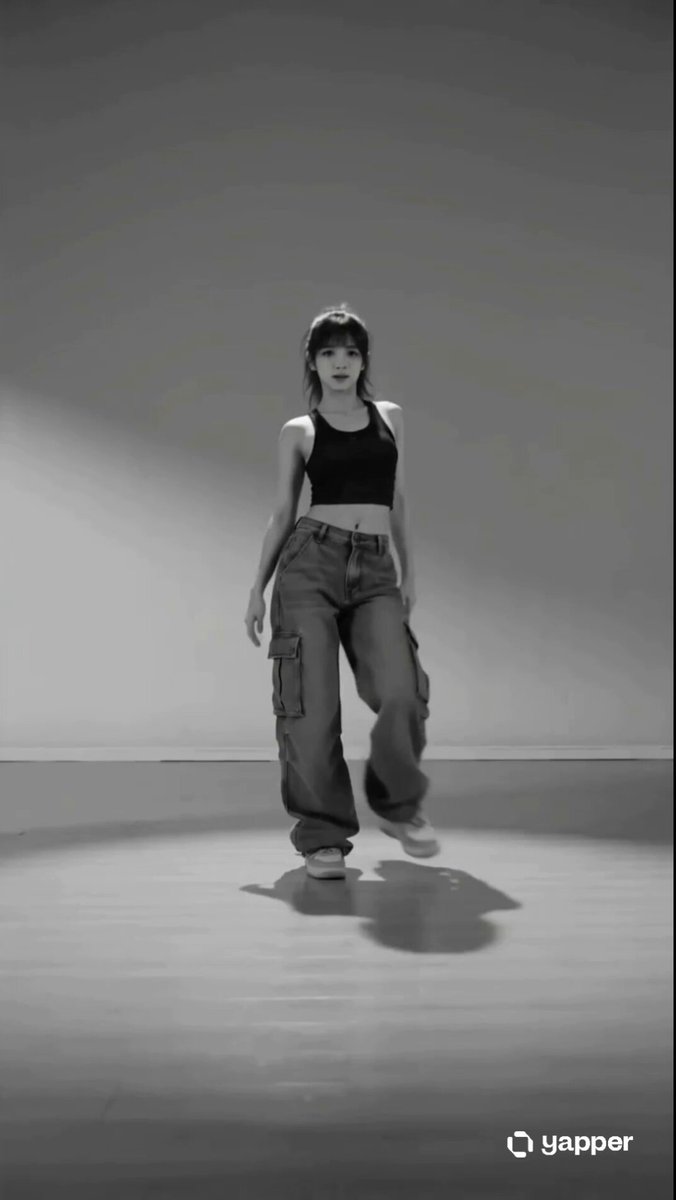 AI DanceAnimate a person with ready-made dance prompts.
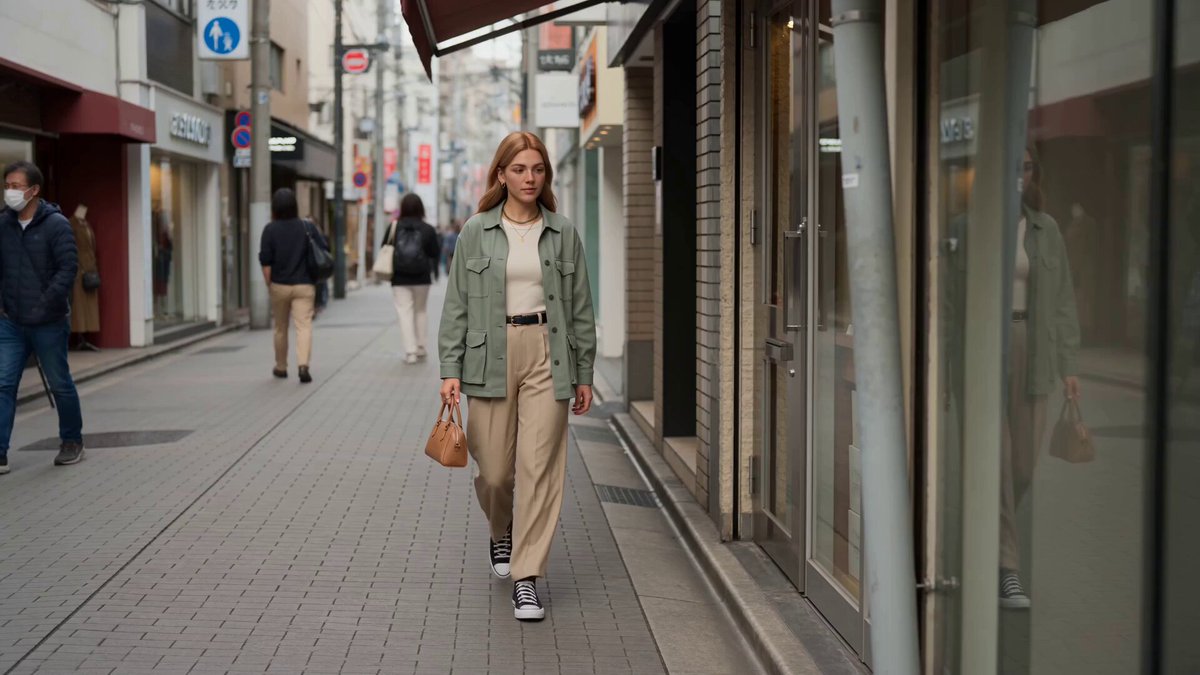 Reference to VideoMix images, video, and audio references in one generation.
 AI HugCreate a two-person interaction from separate references.
 AI KissGenerate a close two-person moment from reference photos.
 AI Baby DanceTurn a baby photo into a playful performance clip.
 Image to VideoAnimate a starting image with your own direction.
Choose a reviewed Migos AI preset, add two references, edit the performance prompt, and generate the video in OpusVideo.
Generate video