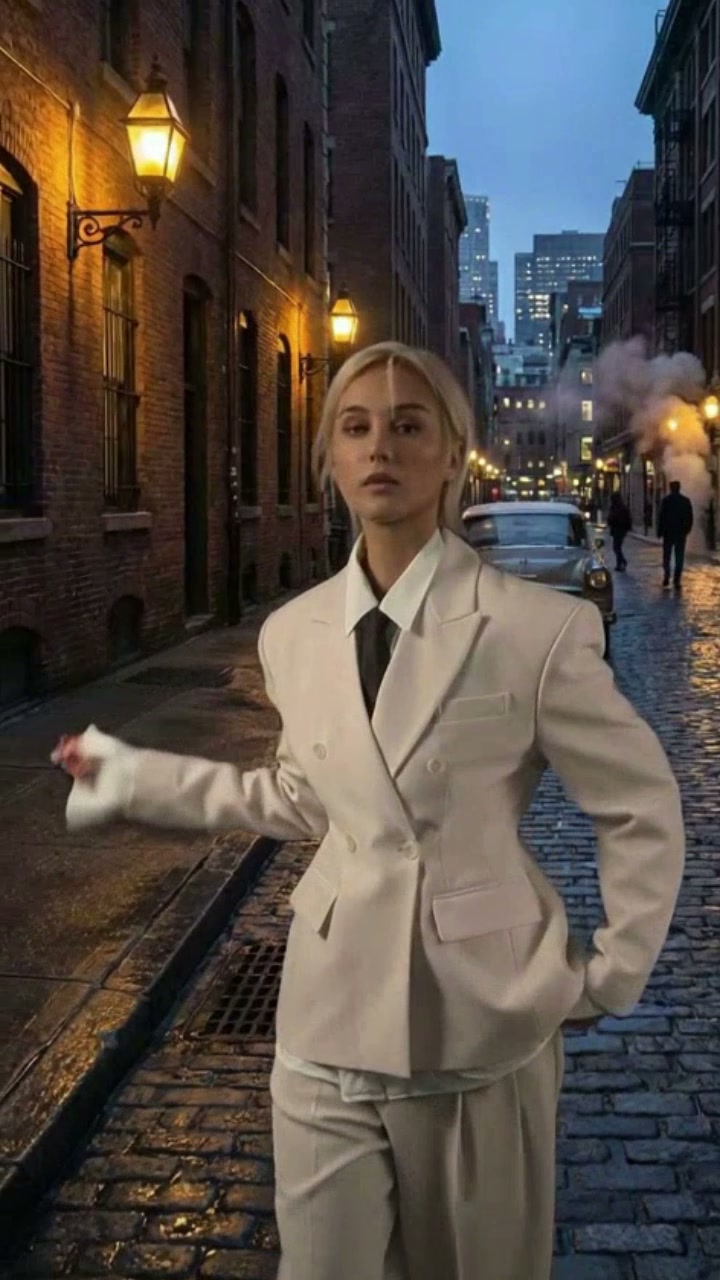
Explosion walk
Epic Explosion Walk
Create the classic calm walk with a blockbuster explosion behind the subject.
The AI Explosion Walk Video Generator creates the classic action shot: a recognizable subject walks calmly toward the camera while a cinematic blast expands behind them.
Examples show reviewed results. Your output varies with the uploaded image, prompt, model, and settings.
The reviewed default combines a steady forward walk with a large background fireball. Apply it, then adjust the explosion, smoke, pace, or camera language in the prompt.
Create the classic calm walk with a blockbuster explosion behind the subject.
The composition needs a readable foreground character and a separate background area for the fireball. A centered subject with visible legs or forward posture gives the generated walk a clearer direction.
Load the reviewed prompt for a calm forward walk and a large background fireball.
Choose a visible subject with enough open space behind them for the explosion and smoke.
Edit the blast scale or walking mood, keep the safety constraints, then generate the action shot.
Use the prompt to change the fireball scale, smoke, sparks, walking speed, or camera distance. The generator keeps its normal compatible model and output controls.
Start with a focused variation, then edit any detail before generating.
Use a slower stride, expanding smoke, and suspended sparks.
Animate the uploaded person walking toward the camera in controlled slow motion while a large fireball expands behind them. Preserve identity and clothing, keep the face visible, suspend sparks in the air, and avoid impact or injury.
Place the explosion in a dark street with strong rim light.
Keep the uploaded person recognizable as they walk calmly forward on a dark street. Ignite a cinematic explosion behind them, use warm firelight as a rim light, preserve the stride, and keep smoke away from the face.
Replace flames with a practical dust and debris plume.
Have the uploaded person walk steadily toward the camera while a large practical dust plume erupts in the background. Preserve the subject and path, use harmless distant debris, and keep the continuous action-shot composition.
It generates a short action shot with the uploaded person moving toward the camera while a cinematic explosion grows behind them.
Use a centered full or three-quarter body subject with a visible path and open background space for the fireball.
Yes. Edit the prompt to request a fireball, smoke plume, dust blast, sparks, or another distant cinematic background event.
No. The example is vertical, but choosing the style fills only the prompt. Your compatible output settings remain editable.
The prompt keeps the subject safely separated and walking continuously. Generative results can vary, so clips should still be reviewed before publishing.
No. The walking movement and explosion are generated from the uploaded image and text prompt rather than copied from a reference performance.
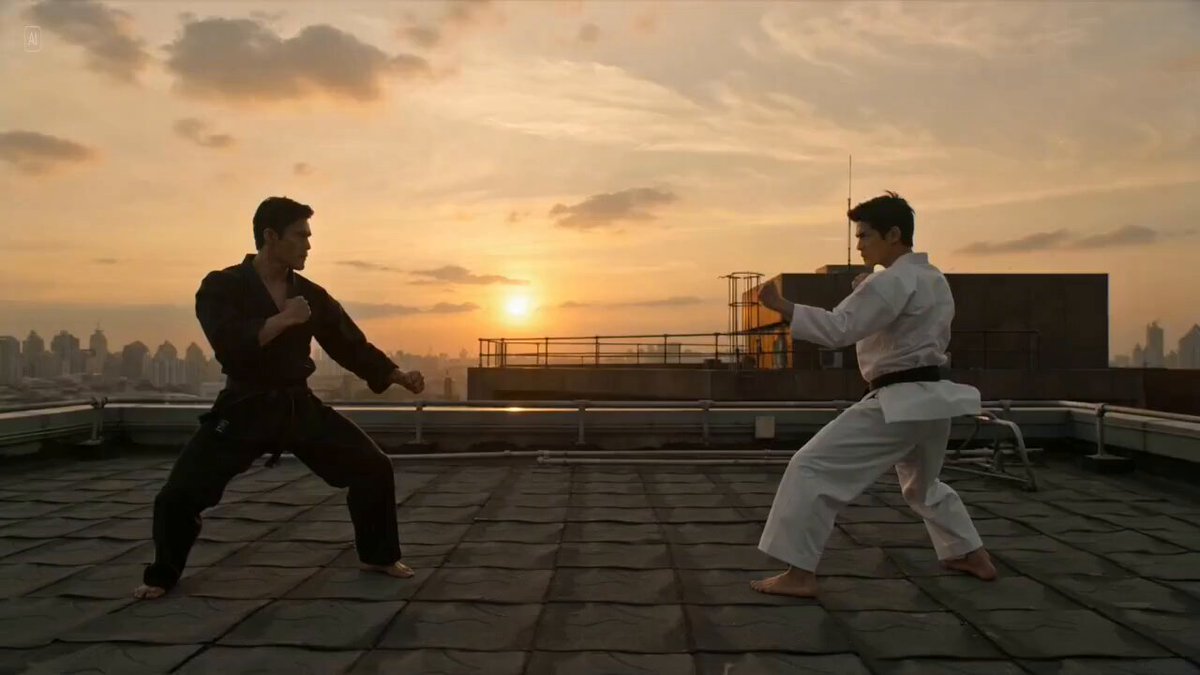 AI FightCreate another cinematic action sequence.
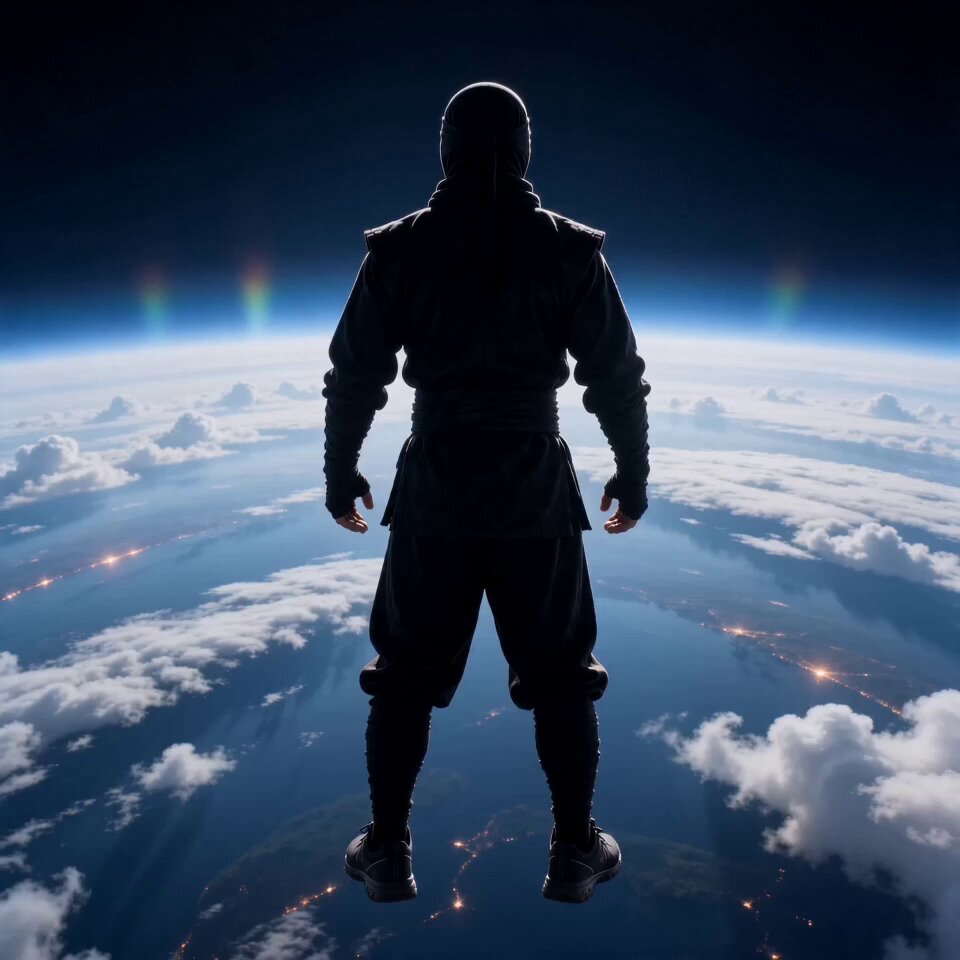 AI FlyingLaunch a person into a dramatic flying shot.
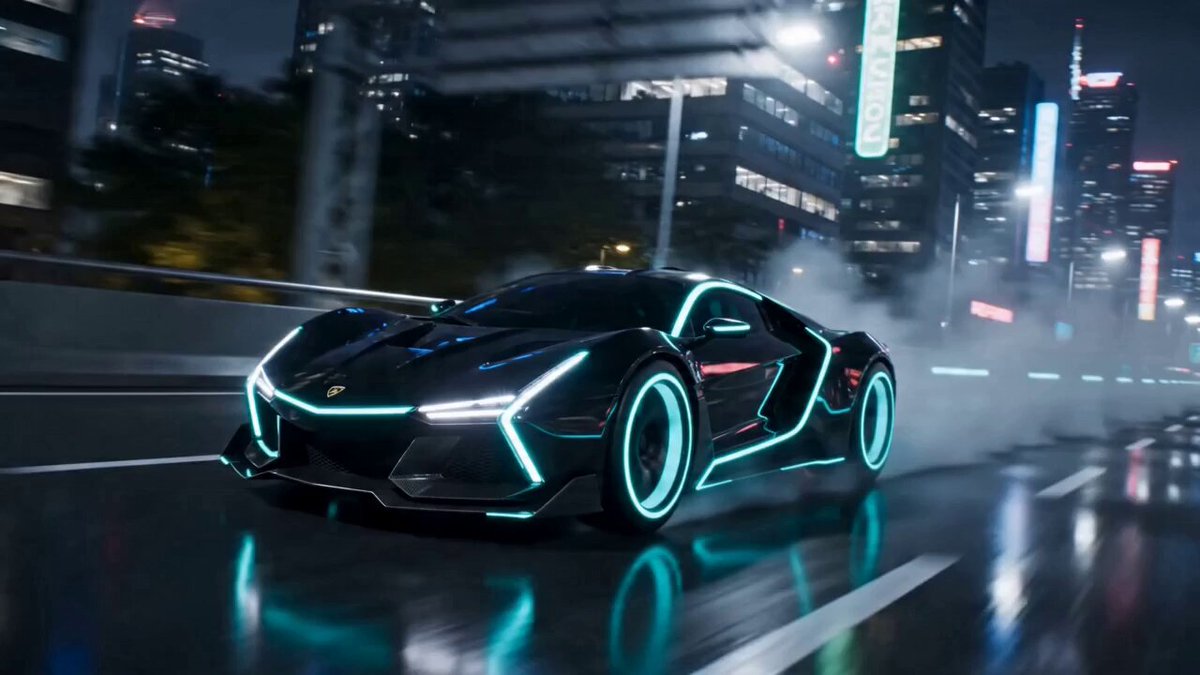 AI TransformationCombine action with a character transformation.
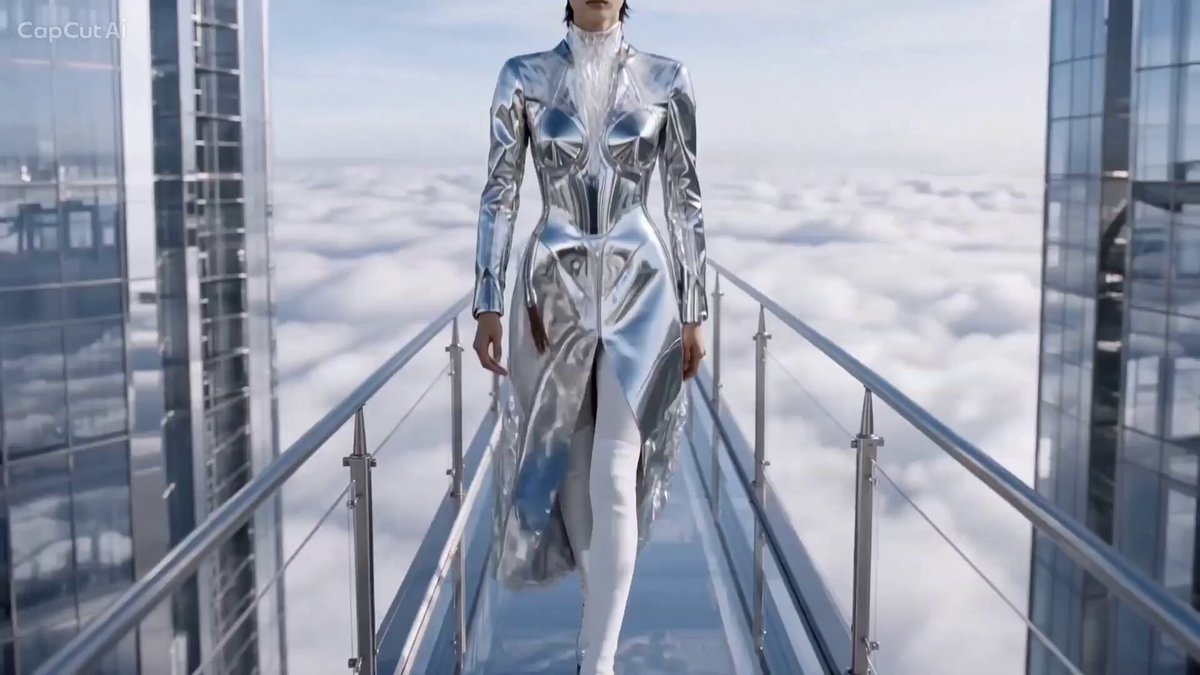 AI CatwalkGenerate a confident forward walk in a fashion setting.
 Image to VideoAnimate a still image with a custom action prompt.
 Video to VideoRestyle an existing action clip.
Choose a reviewed preset, add your image, adjust the prompt, and generate the effect in OpusVideo.
Generate video